Connection strength
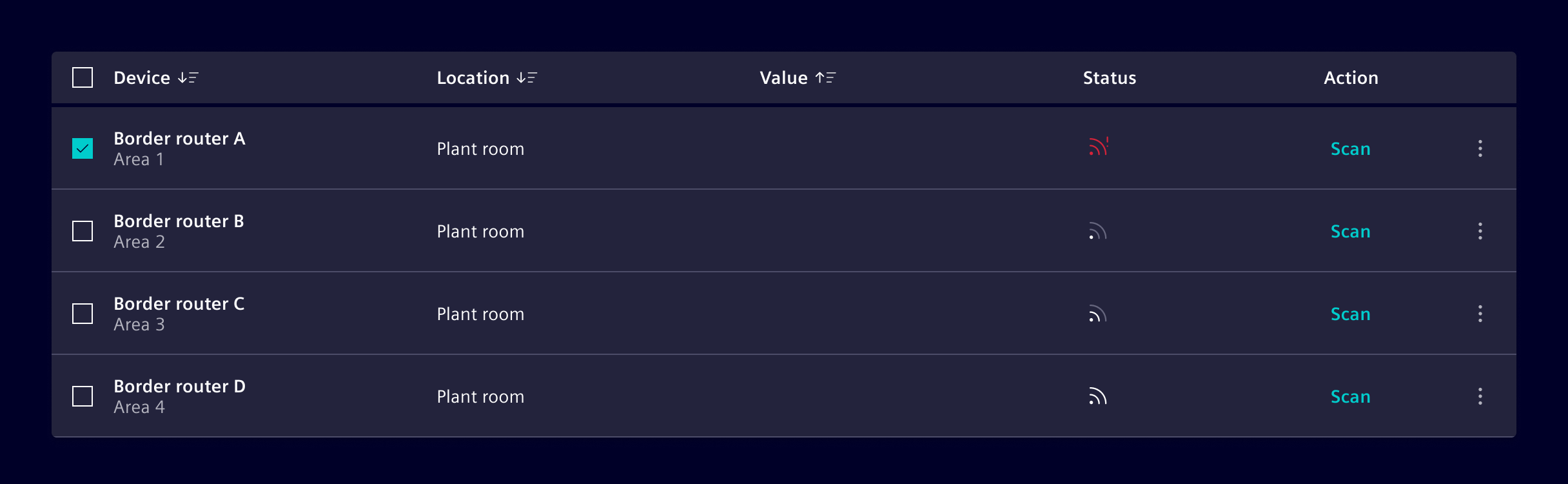
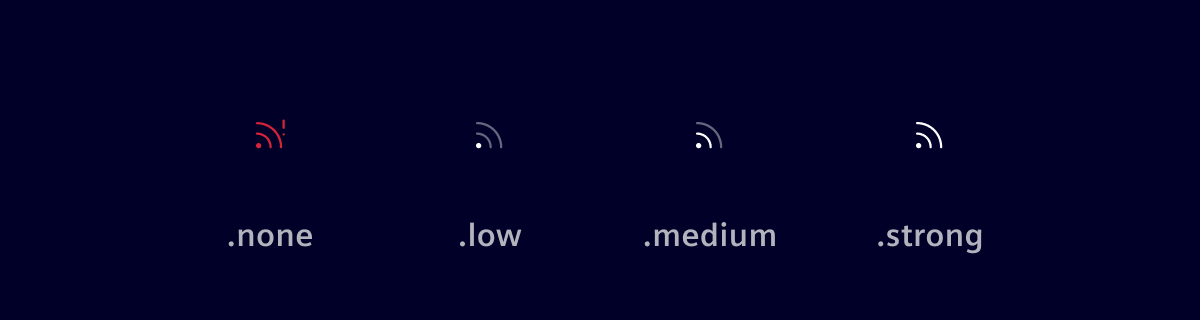
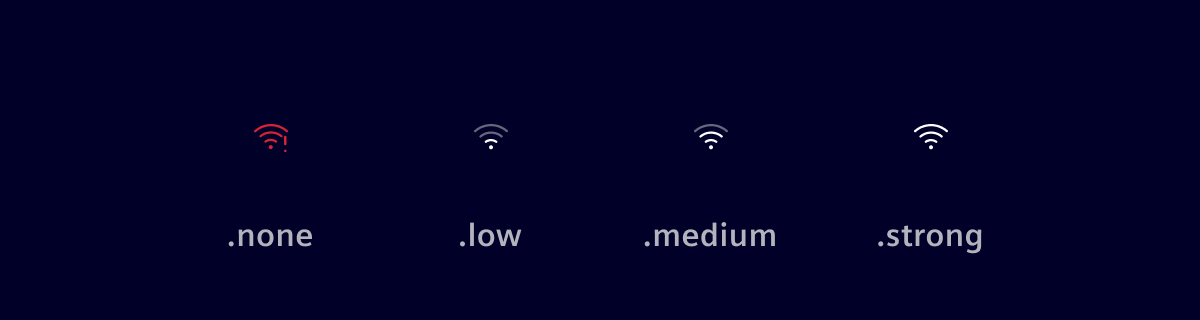
The connection-strength-component informs the user about the signal quality of a connection in a simplified and graphical way. It informs the user if there is an issue with the signal or about the signal quality [strong, medium, low].
Usage
The connection-strength-component can be used in tables, lists, cards or any other component where the quality of a connection needs to be visualized to the user.
Types
There are two different representations available:
Connection (General)
WLAN
When to use
Use this component when you want to give the user more details about the signal quality, when e.g. a static icon will not be good enough.
Code
Usage
import { SiConnectionStrengthComponent } from '@siemens/element-ng/connection-strength';

@Component({
  imports: [SiConnectionStrengthComponent, ...]
})
SiConnectionStrengthComponent API Documentation
selector
si-connection-strength Input Properties
| Name | Type | Default | Description |
|---|---|---|---|
| value ¶ | ConnectionStrength | 'none' | Main value representing the current connection strength. |
| wlan ¶ | boolean | false | Shows the signal representation in an alternative WLAN format |
Types Documentation
| |
|---|
Except where otherwise noted, content on this site is licensed under MIT License.